JASP Articles
Data Analysis | Descriptives
Selecting the Analysis
-
First, enter the data (described elsewhere).
-
In the “Analyses” section of the menu, select the “Descriptives → Descriptive Statistics” option.
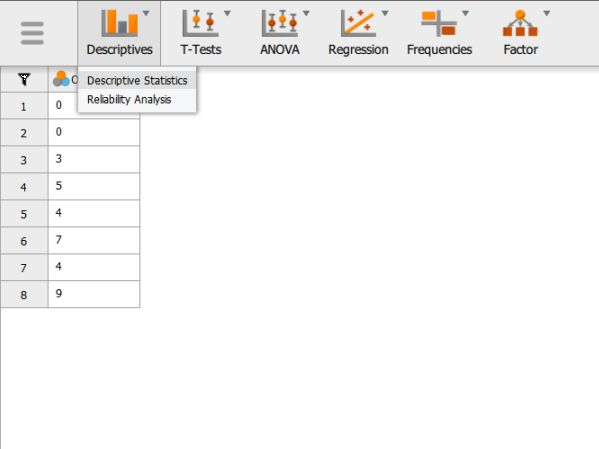
Obtaining Frequencies
-
A set of options will then appear for you to choose the variables and statistics of interest.
-
Select the variables you wish to analyze by clicking on them in the left-hand box and then the arrow to move them into the right-hand box.
-
Be sure that “Display frequency tables” is checked. Without this checked, you will not get a frequency distribution.
-
Output will automatically appear on the right side of the window.

Obtaining Descriptive Statistics
-
Though some basic summary statistics are displayed by default, you can make changes by expanding the “Statistics” drop-down menu.
-
As you select the desired statistics, the output on the right side of the window will be automatically updated.
