CREATE Articles
Data Analysis | Factorial ANOVA
Entering the Data
-
From the available tabs, select “Factorial”.
-
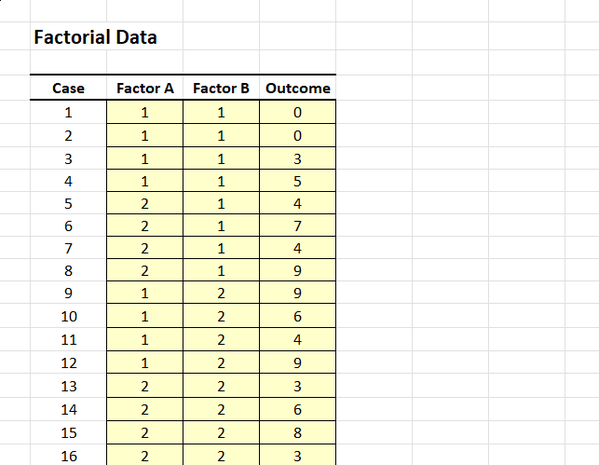
On the left side, you will be able to enter the data in the shaded cells.
-
Enter the data for all the participants. Notice that each participant has a score on the Factor A, Factor B, and Outcome Variables. There will be as many rows as people.
-
On the categorical Factors, you will use numbers to represent the multiple categories (or “levels”) of the factors.
Obtaining Descriptive and Inferential Statistics
-
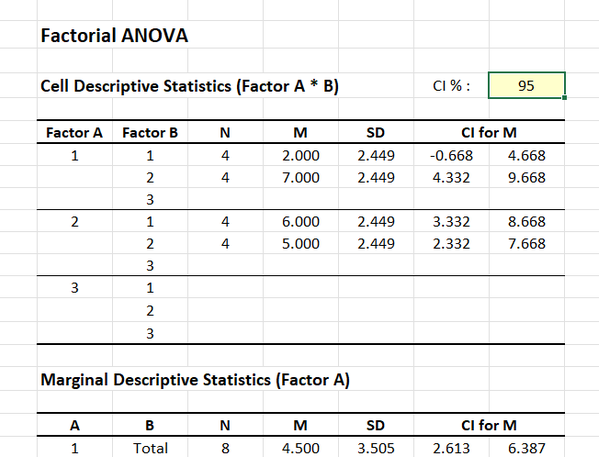
Output will automatically appear on the right side of the tab.
-
If you wish to alter the confidence intervals for the means, enter the preferred confidence level in the shaded cell after “CI %”.